
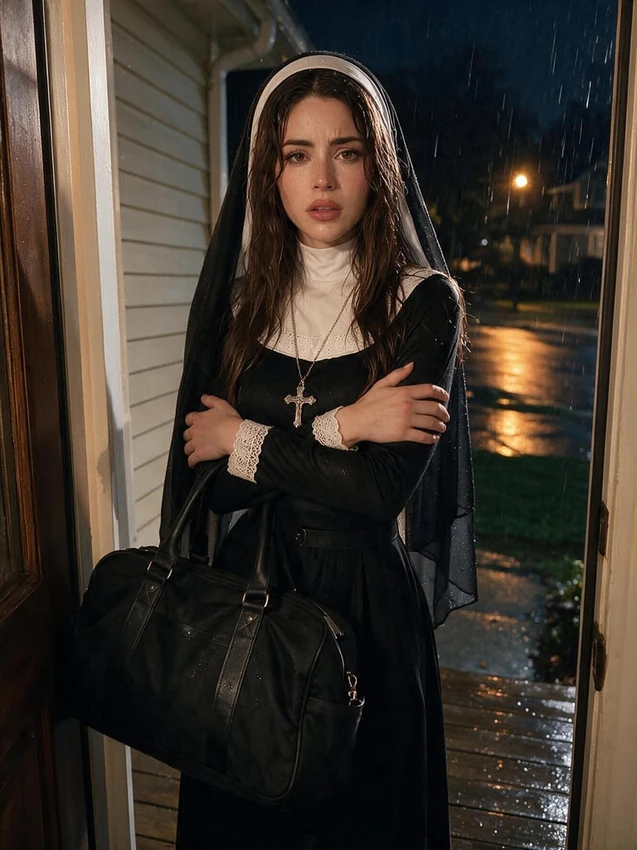
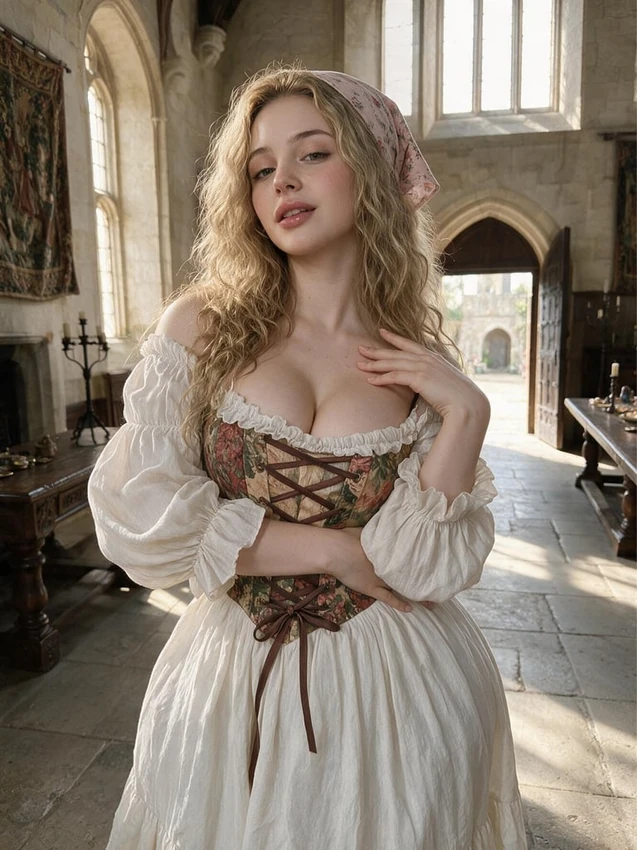
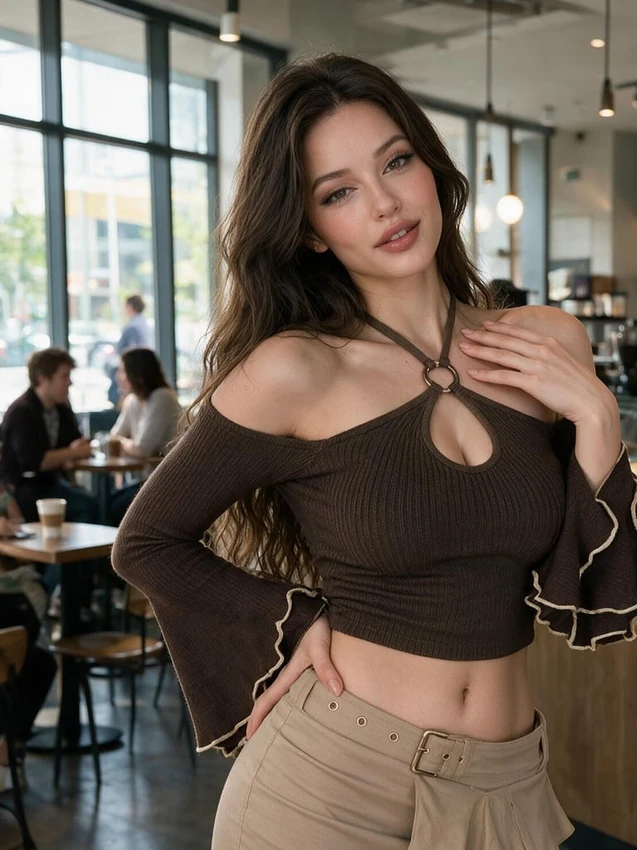
Check the companion and image model
The camera action in chat provides image options. Generate opens the fuller image controls, where Nectar Companion Model can use a saved character.
Confirm the selected companion and model version before continuing. A text-chat model does not determine which image model handles the request.
Describe details you can recognise in the result
Pick one clear action and make the written prompt agree with any customization tiles. V3 works with plain-language descriptions; Icks is an unwanted-elements field on models that provide it, not a universal control.
When reviewing the picture, identify the part that missed your intention. Adjusting just the location or framing gives you a more useful comparison than replacing every detail at once.
Find the result before requesting another
Use Gallery in the chat or generation history to look for completed images. Review a result before making it a profile picture, featuring it or sending it to a video option.
Images can draw from credits. Check the charge for your current model and settings, and look at the existing request's status if the result seems delayed.